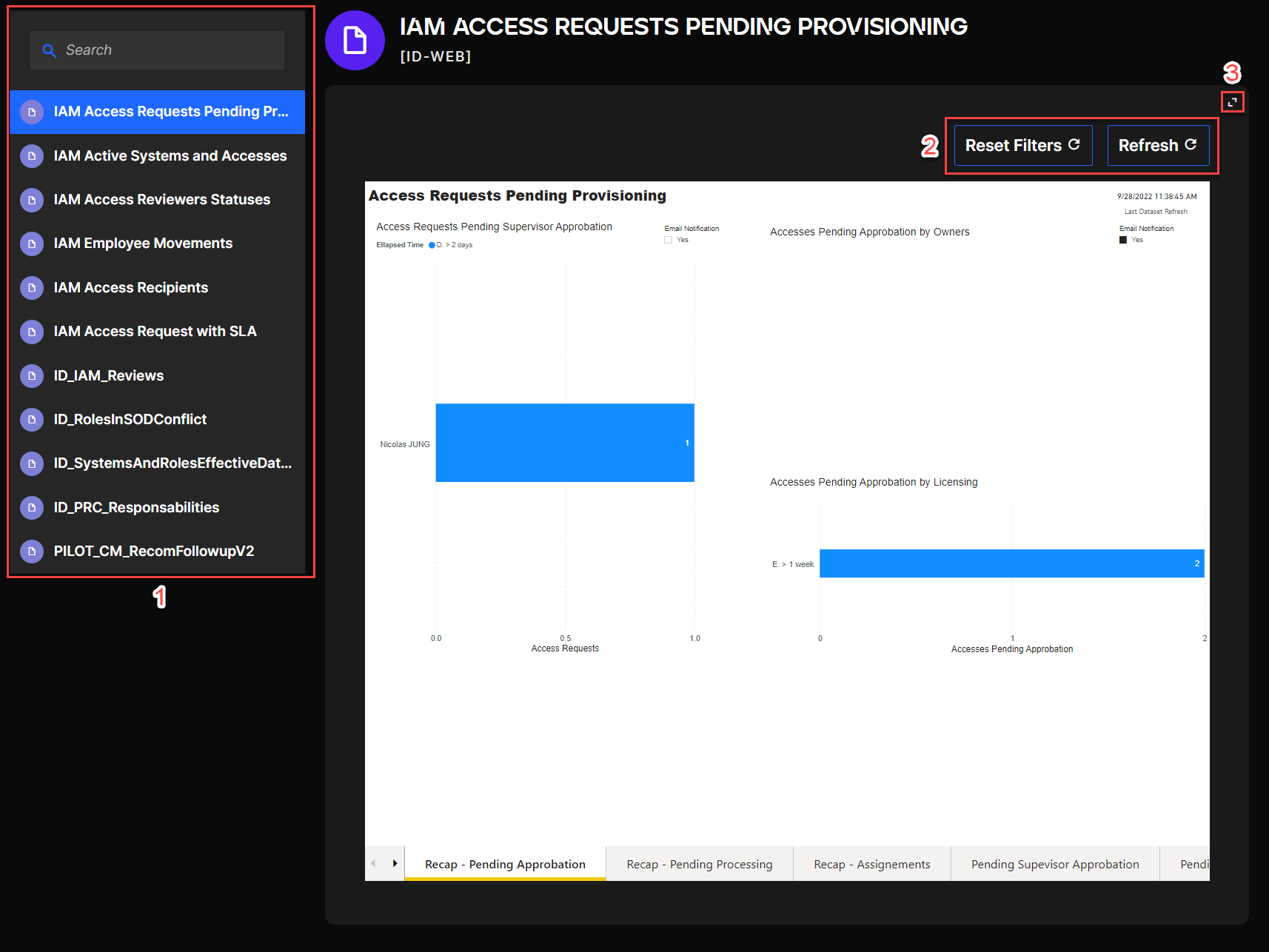
Reporting
In the Reporting module, you can access different kinds of PowerBI reports based on the data in QuartzID.
The reports currently available in QuartzID are:
- Access Requests Pending Provisioning
- Active Systems and Accesses
- Access Reviewers Statuses
- Employee Movements
- Access Recipients
- Access Request with SLA
- Reviews
- Roles in SOD Conflict
- Effective Dates of Systems and Roles
- PRC Responsabilities
In order to access the Reporting module, users must have a Reports role.
View all QuartzID reports
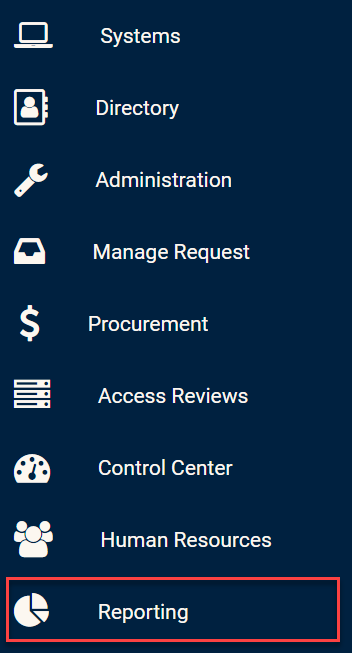
Click on the Reporting module in the side bar in order to view all reports available.
Reporting module
After clicking this module, you should be presented with a list of all reports. You can easily search for a specific report using the search bar on the top of the list.
You can select a specific report by clicking on a report name in the list of reports (1). You can also reset the filters you inputted on the report or refresh the data in the report (2). You can also view the report in full screen (3).
Reports view