Employee Movements
The Employee Movements module allows the HR team to view all modifications synchronized with their HR application. They can see each modification individually and perform a check before validating the changes.
Here is a list of potential modifications:
- Arrivals
- Automatic Updates on Properties
- Contract Renewals
- Departures
- New Statuses
- Rehires
- Transfers
- Updates on Pending Properties
- Updates on Properties
In order to access this module, users must have the HR role.
View all HR modifications Confirm a modification
View all HR modifications
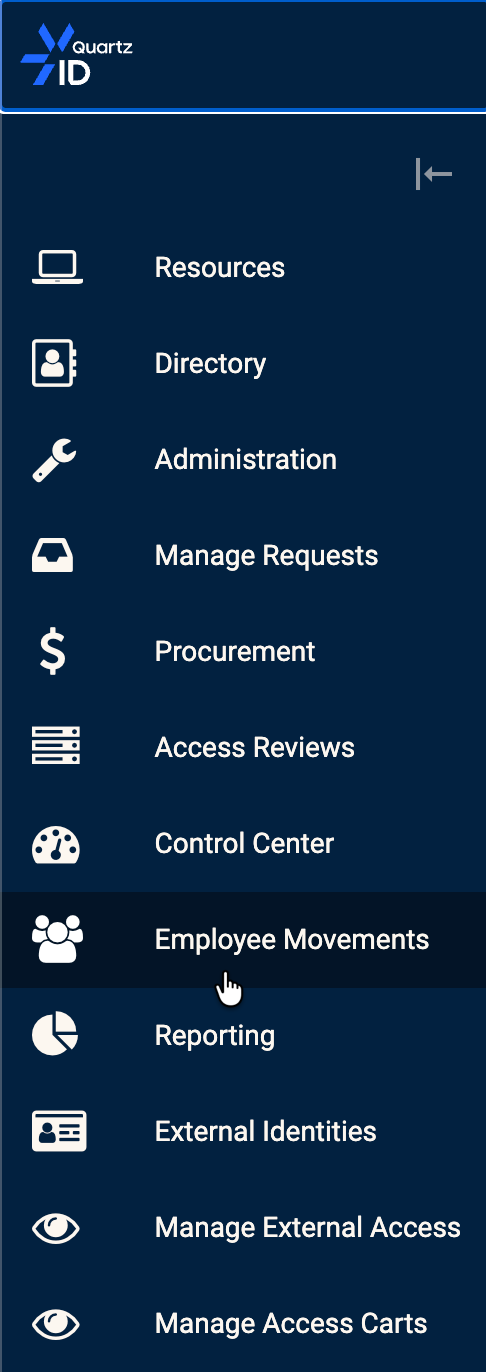
Click on the Employee Movements Module in order to view all modifications.
Employee Movements Module
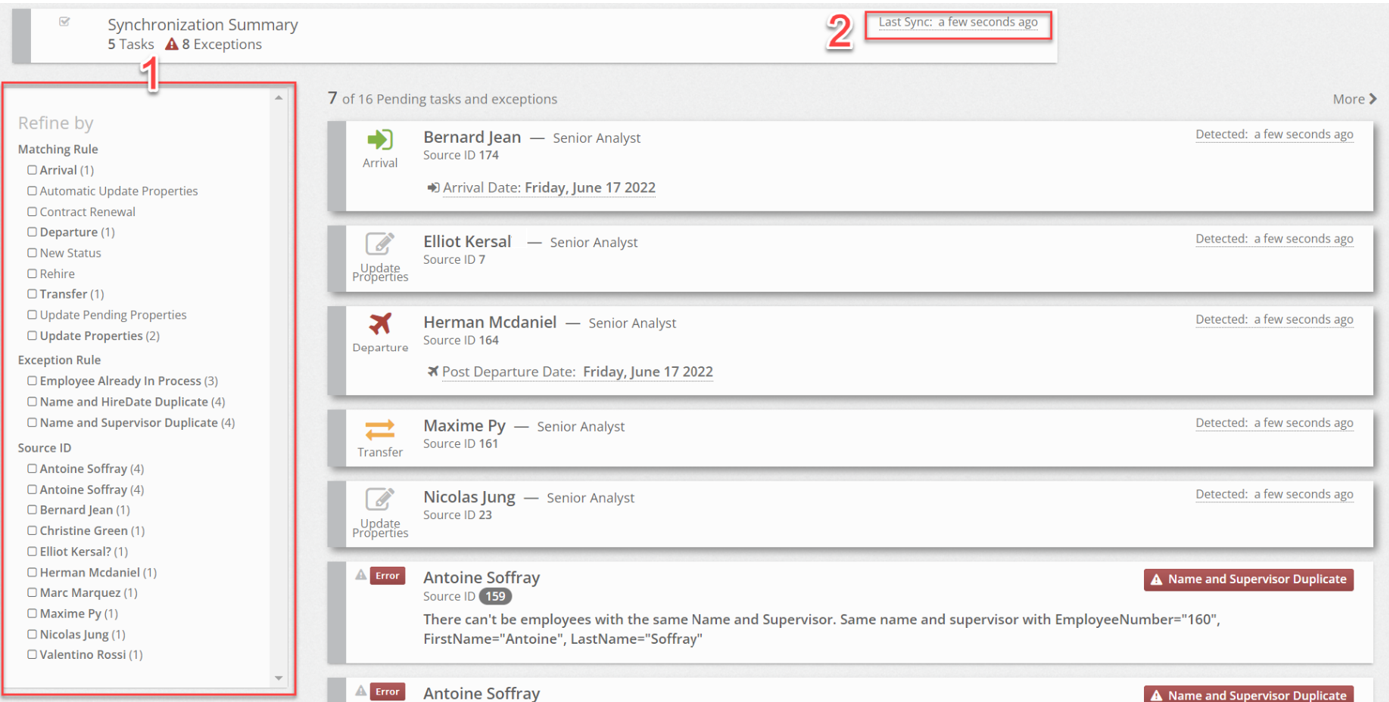
From this page, you should see a list of all modifications. You can filter the list using the type of modification or the employee names (1). You can also see the last synchronization with the HR application (2).
All HR modifications view
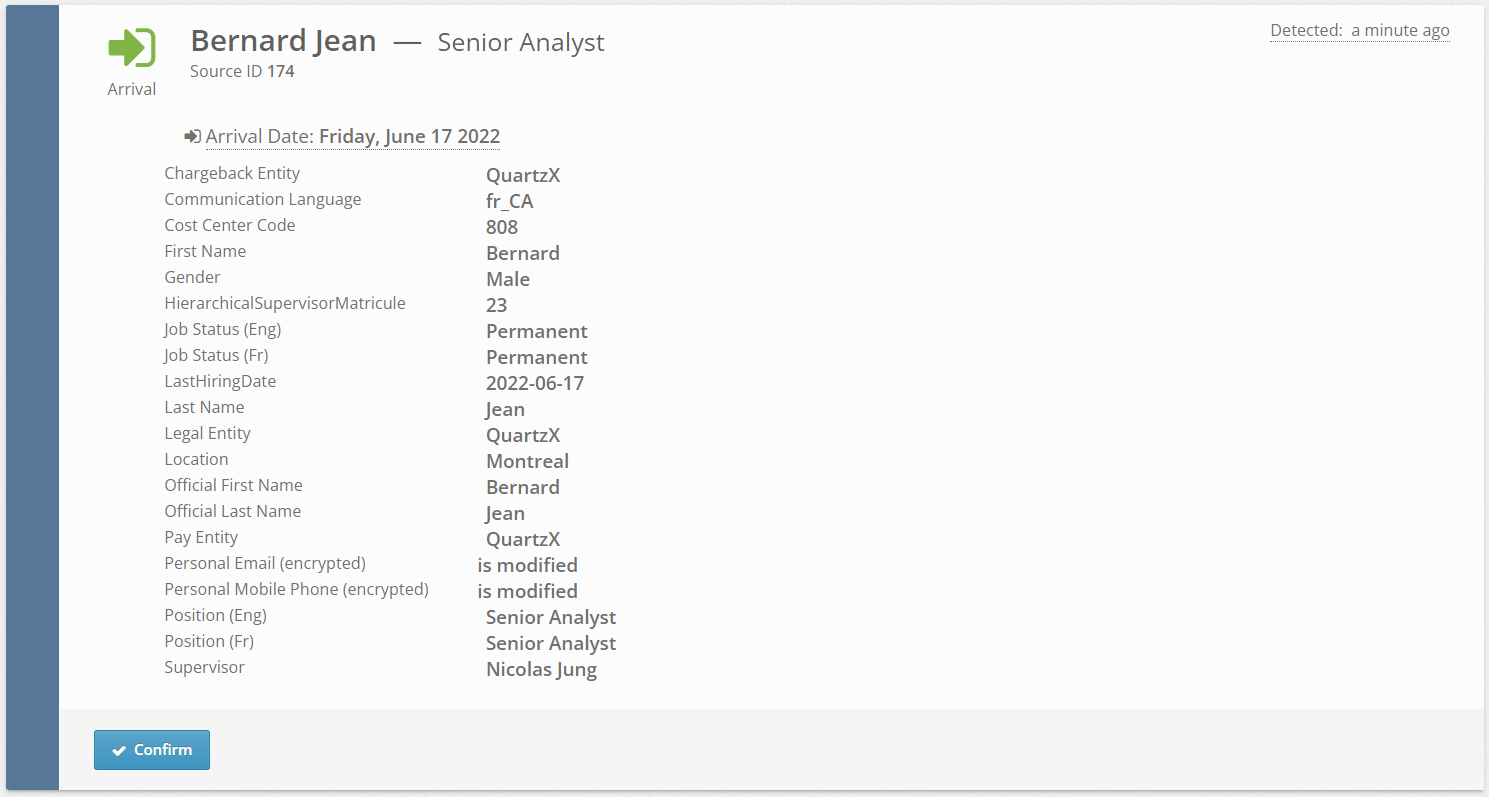
For each modification, you can now verify the updates for a single employee by clicking on the corresponding card.
HR modifications details
Confirm a modification
After completing the review of the updated properties, you can confirm the modification.
In the Human Resources Module, click on the card for the specific update.
HR update

You should now see details of the modifications. You can click the confirm button. The corresponding workflow will then be started.
HR modifications details

A detailed article on the workflow of the employee lifecycle workflows are detailed in this article.