Manage Access Carts
The Manage Access Carts module allows you to view all access carts that were created by users and their state.
This module requires users to have either one of these roles:
- Admin
- IT Operations
- BTG Access Management custodian
- IT Service Desk
View all access carts
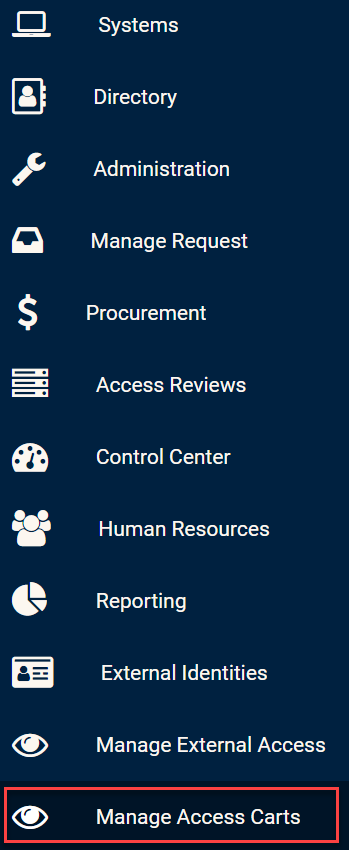
Click on the Manage Access Carts module in the side bar in order to view all external identities.
Manage Access Carts module
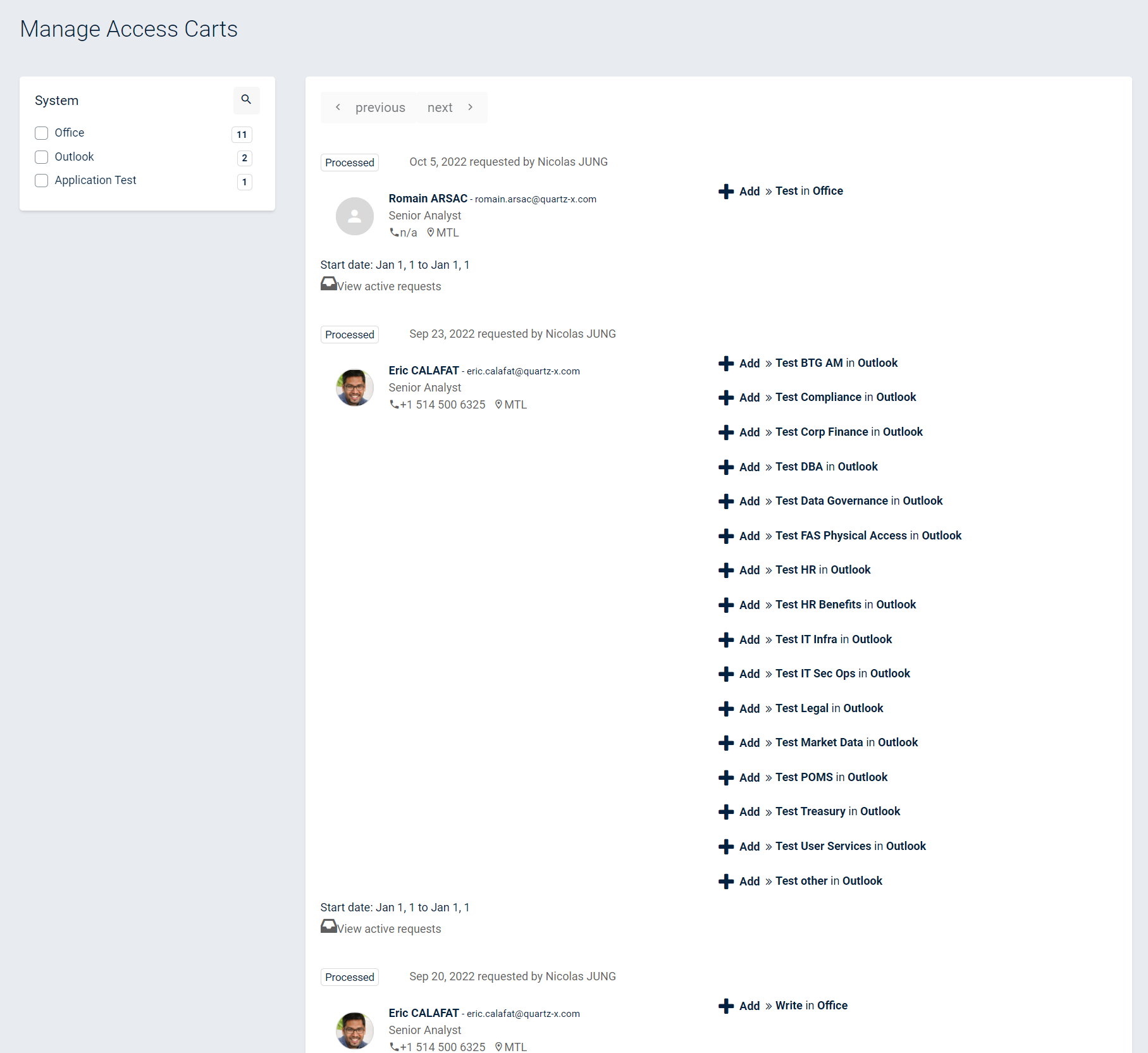
From this page, you should see all Access Carts that were previously created as well as their state. You can also filter the access carts on the system and click on the employee for which the access was requested to see his/her employee profile.
All access carts