Employee Directory
In QuartzID you can view all the employees of your organization with the Employee Directory module.
View all employees
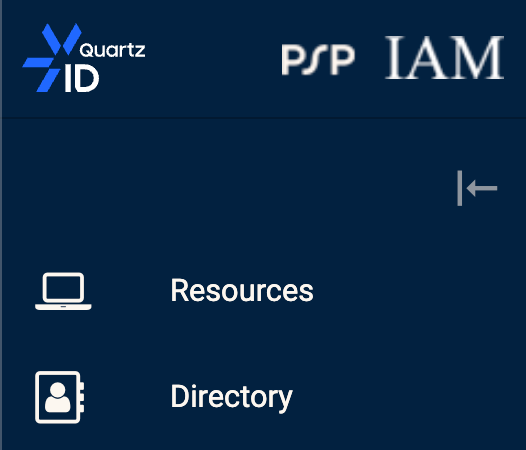
In order to view all employees, you can click on the Employee Directory module in the side bar.
Employee Directory in QuartzID Menu
From this page, you should see the full list of employees that work at your organisation. You can filter the list using the filters on the left side of the screen.
Employee Directory list
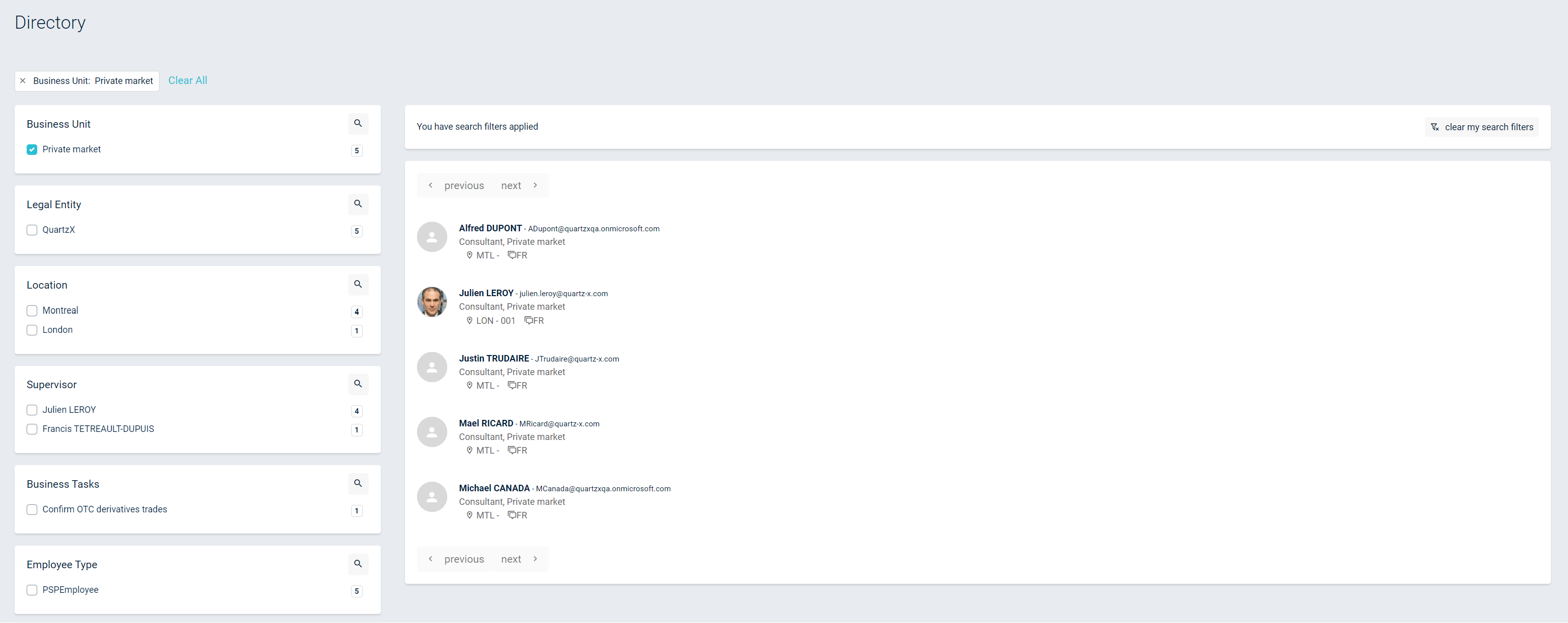
You can click any employee's name to see their details and the accesses that they have within the company.
Employee detail
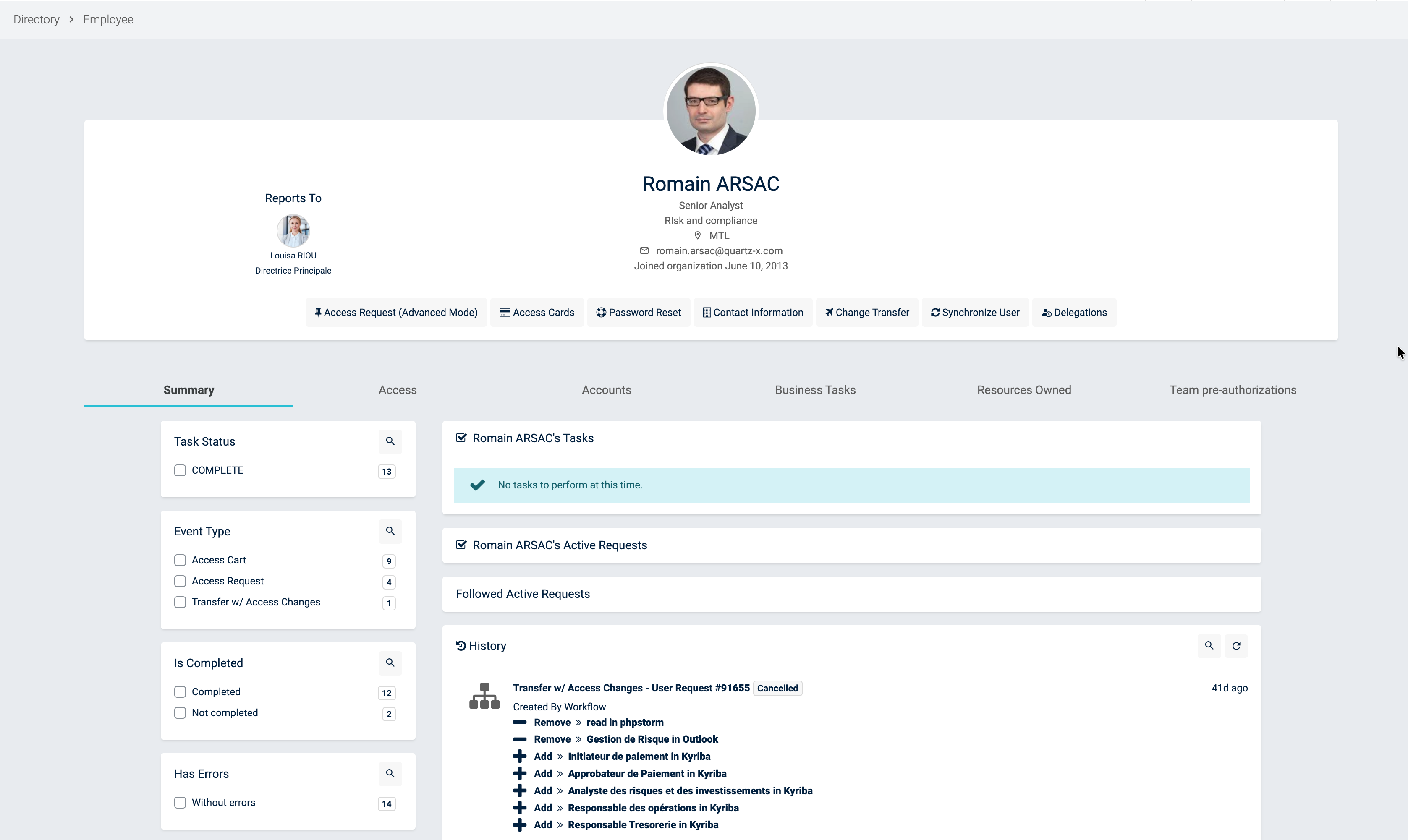
On this page, you can now see all events of this user (only for Admin users) as well as its Accesses, Accounts, Business Tasks (only for Admin users), Systems Owned (only for Admin users) and Team Pre-Authorizations (only for Admin users).
You can review the Employee Page if you need more details on these actions.