Administration
The Administration module allows you to access multiple features:
- Manage Repository: view, approve, or reject all changes made to the Business Task configuration and SoD conflicts.
- Process Explorer: view, manage, or modify Business Tasks linked to System Accesses and manage SoD conflicts between Business Tasks.
- Supervisor Reviews: launch Supervisor Access Review campaigns and see their statuses.
- System Owner Reviews: launch System Owner Access Review campaigns and see their statuses.
- Team Pre-Authorizations: manage access pre-authorizations (scope of permissions) supervisors and their subordinates/
- Business Units: view and manage all business units, business unit leaders and members. This feature requires the business units role.
The Administration module is only accessible for users with an Admin role.
Manage Repository, Process Explorer and Team Pre-Authorizations Supervisor Reviews and System Owner Reviews Business Units
Manage Repository, Process Explorer and Team Pre-Authorizations
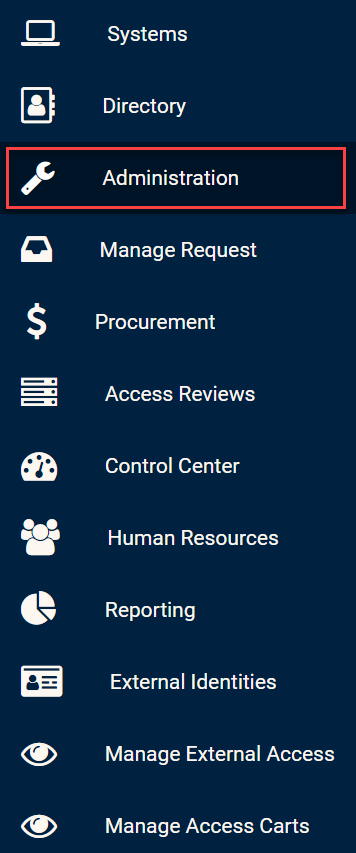
Click on the Administration Module in the side bar to access all Admin sections.
Administration Module in side bar
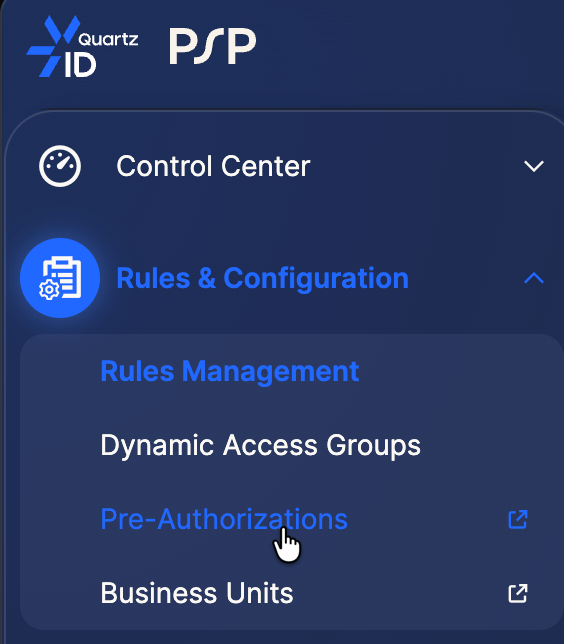
From this section, you can select the Manage Respository, Process Explorer and Team Pre-Authorization sections. Clicking these sections will redirect you to the new QuartzID interface in the Rules Management section.
Pre-Authorization management Once in the administration click on this menu entrey to access the pre-authorization page :
Supervisor Reviews and System Owner Reviews
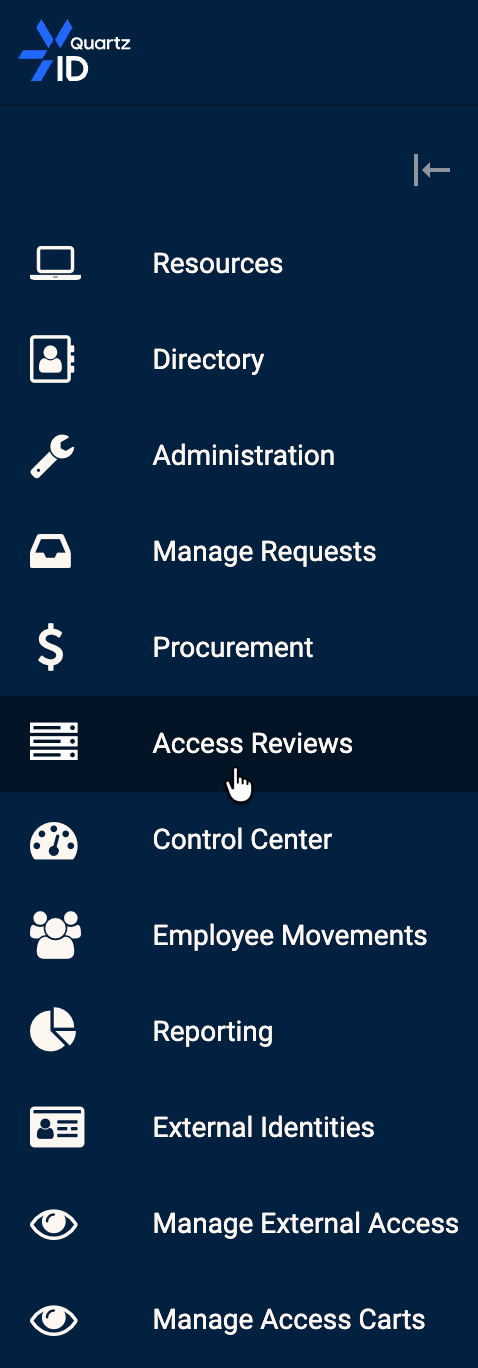
The administration opf the supervisor and Resource owner reviews can be access via this menu entry :
For more information on how to use these features, you can view the following pages:
Business Units
Business unit management page can now be accessed with a new dedicated menu entry :
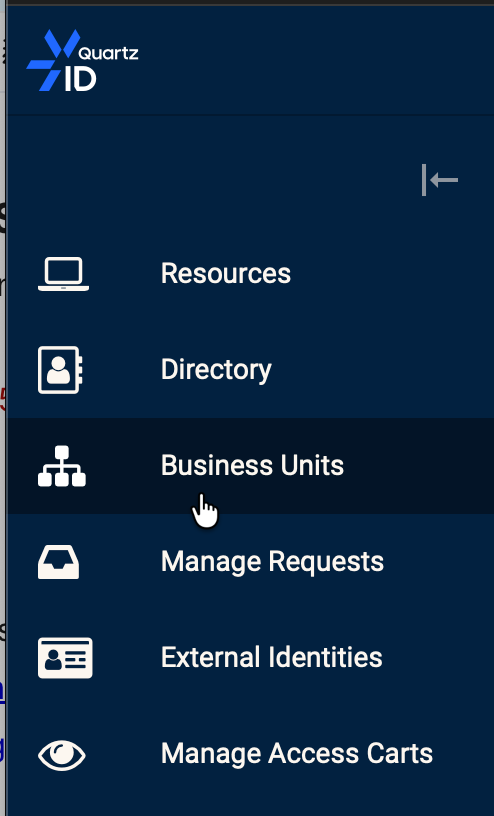
Or from the administration page :
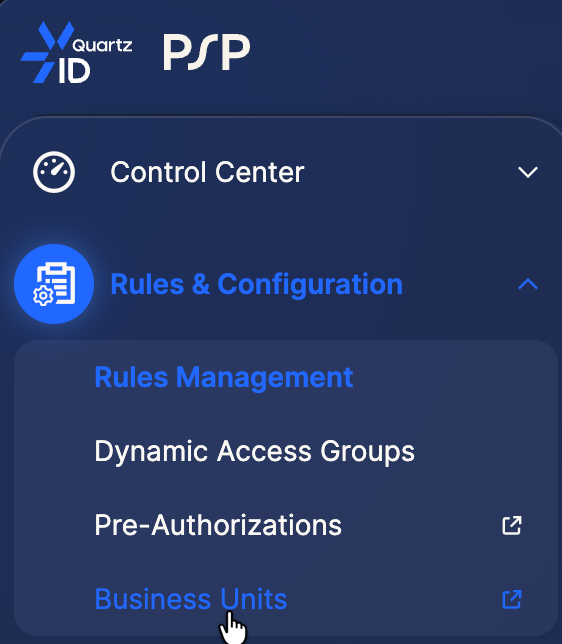
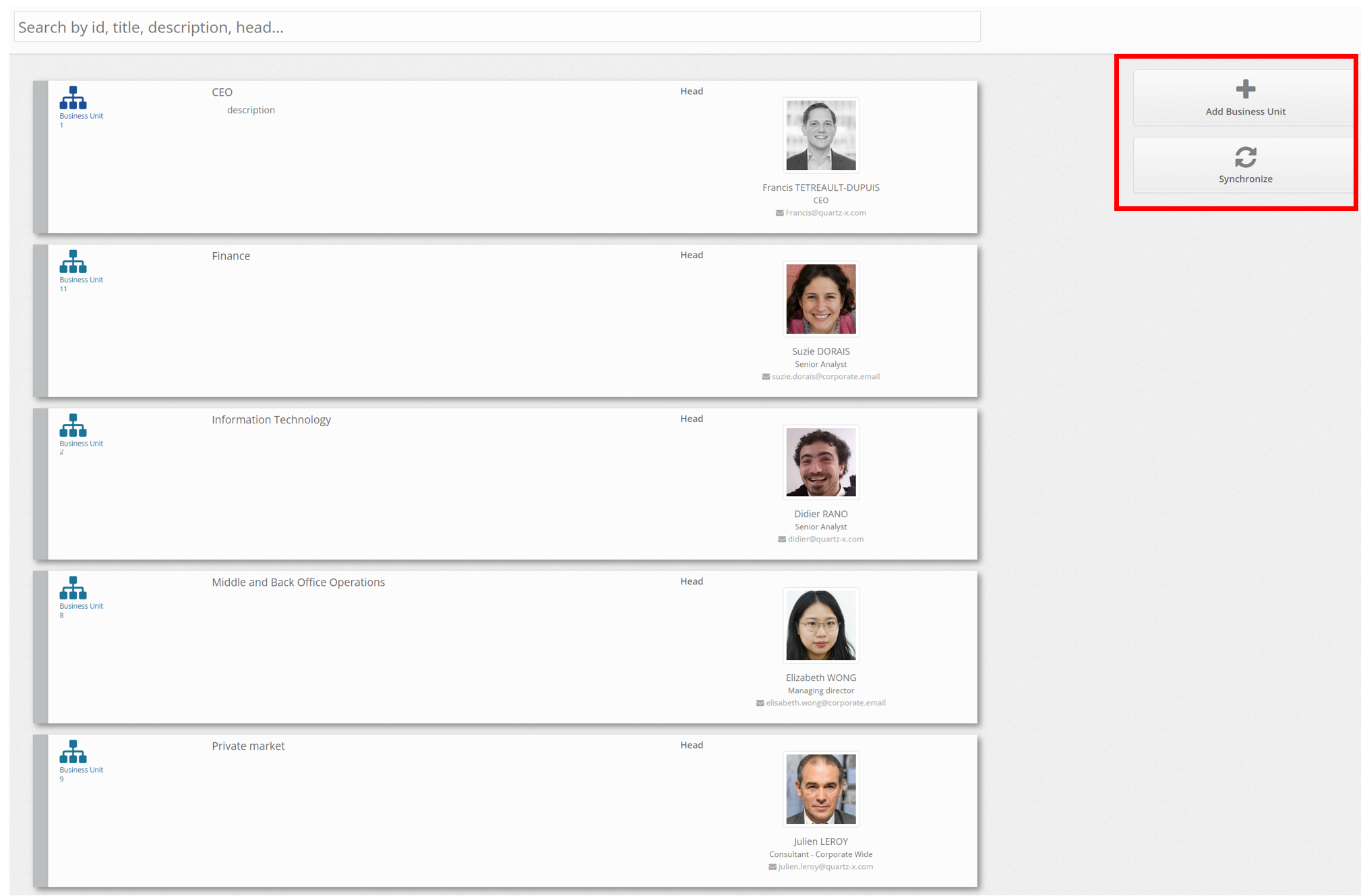
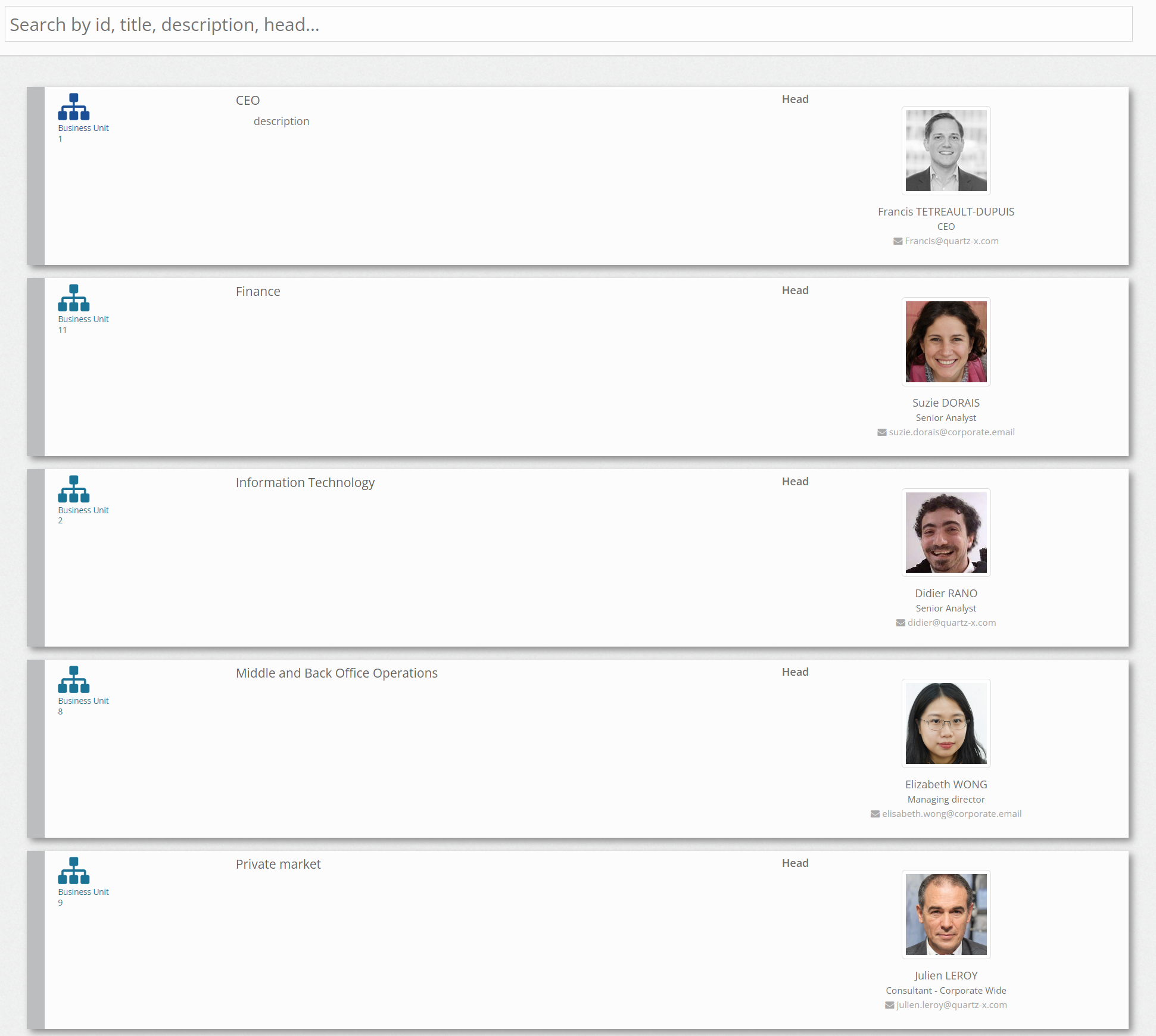
Selecting the Business Units menu entry should allow you to see all business units as well as their leaders.
Business units List
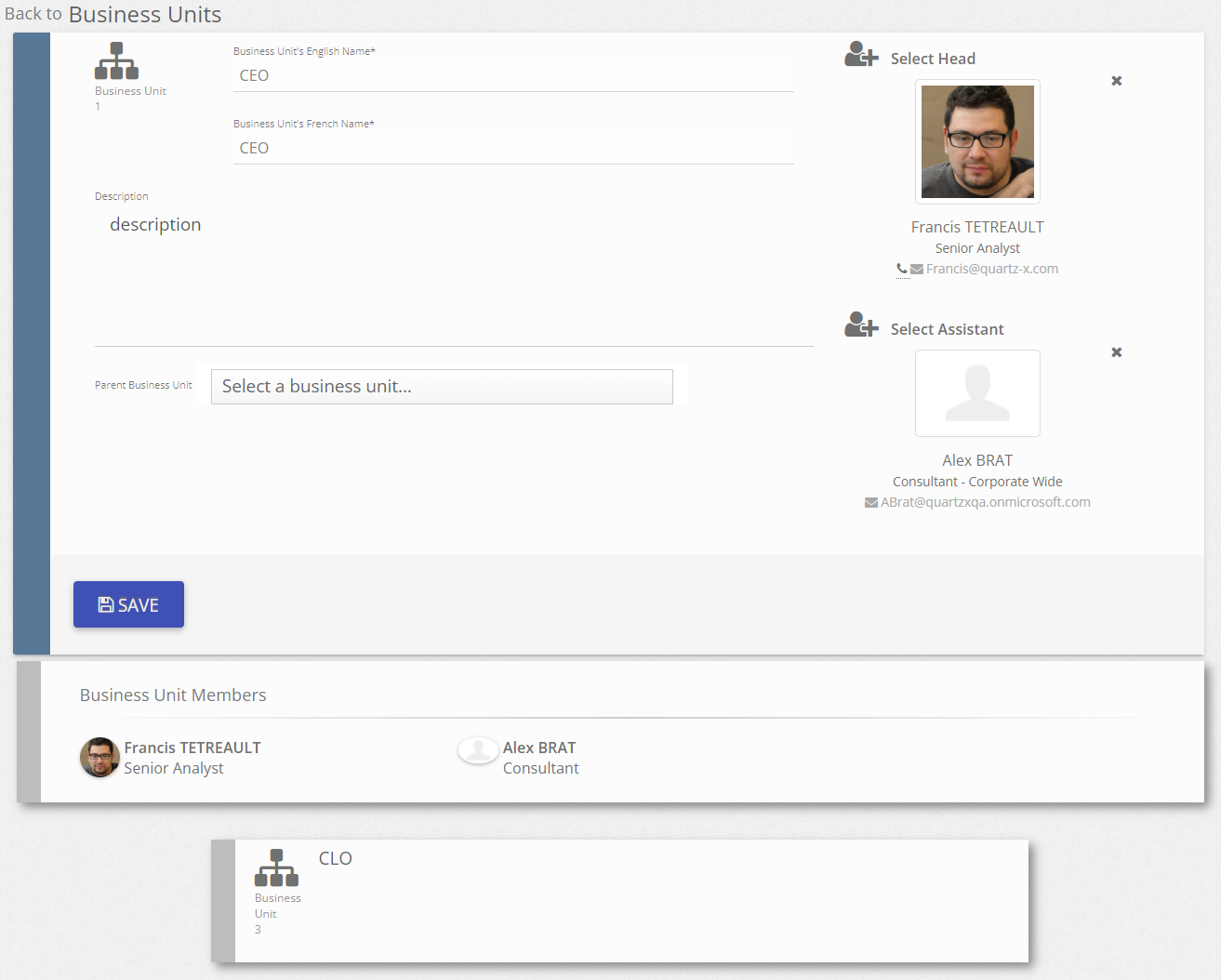
You can click on the business units to see more details such as the members and business units below.
Business unit details
You can also choose to create a new business unit or synchronize business units in the business units list view by clicking on the buttons on the right side of the screen.
Business Unit features