Manage External Access
The External Access module allows you to approve or reject requested External Access and requested extensions for External Access to be expired.
This module requires users to have either one of these roles:
- Admin
- ITOperations
- BTG Access Management custodian
- External Identity Approver
- IT Service Desk
View all External Access Approve or reject a requested External Access Approve or reject an extension on a External Access
View all External Access
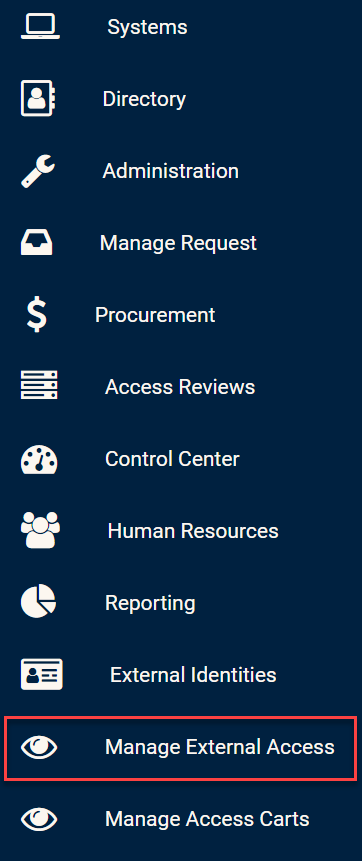
Click on the External Access module in the side bar in order to view all External Accesses.
Manage External Access module
You should then see a list of all External Accesses that have been request, will be expired, or validated.
External Accesses list
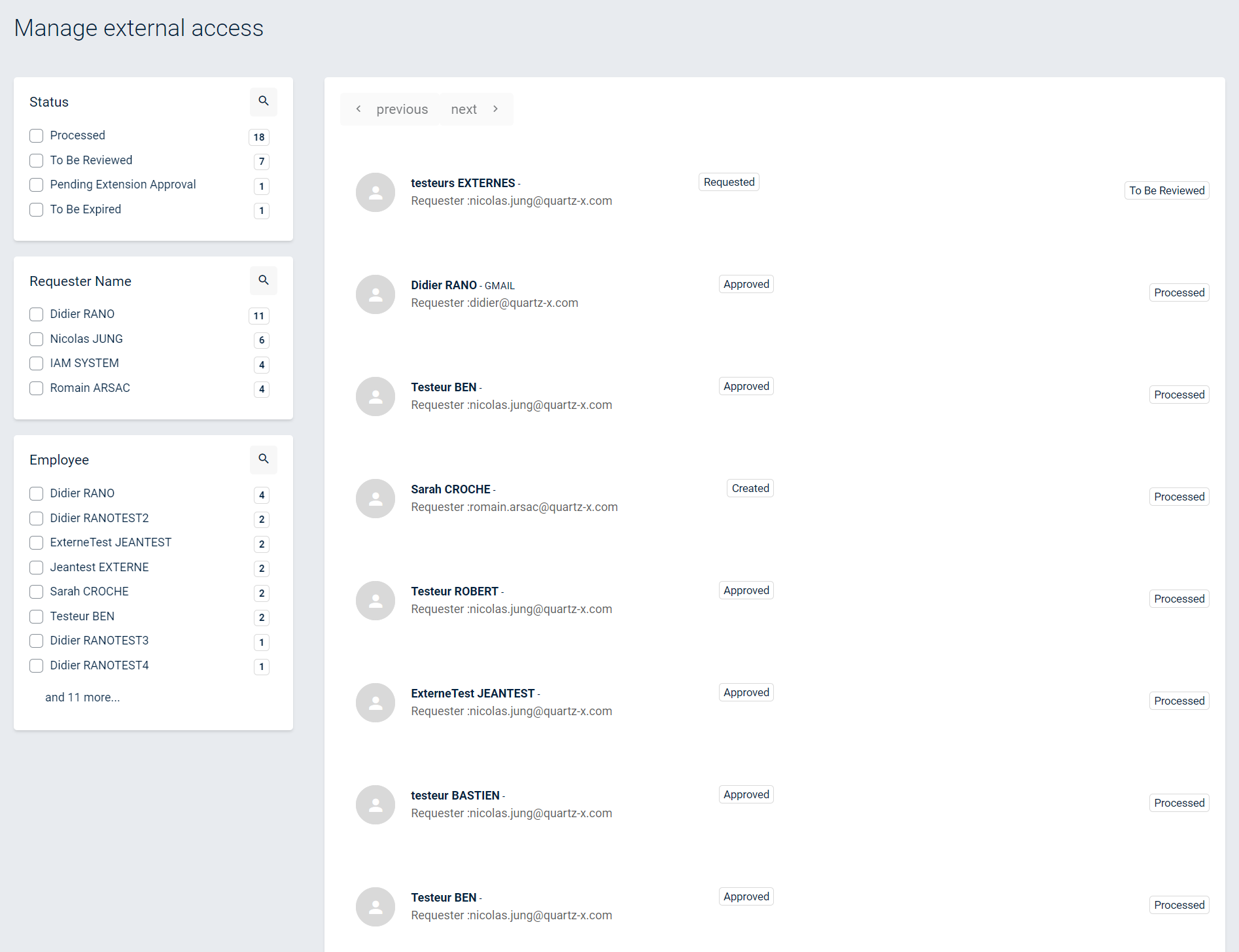
You can easily filter between External Access using the filters on the left.
Approve or reject a requested External Access
In order to approve or reject a requested External Access, click on the Manage External Access Module in the side menu. You should then see a list of all External Access as detailed above. You can then filter the list on the status "To be reviewed".
External Access to be reviewed
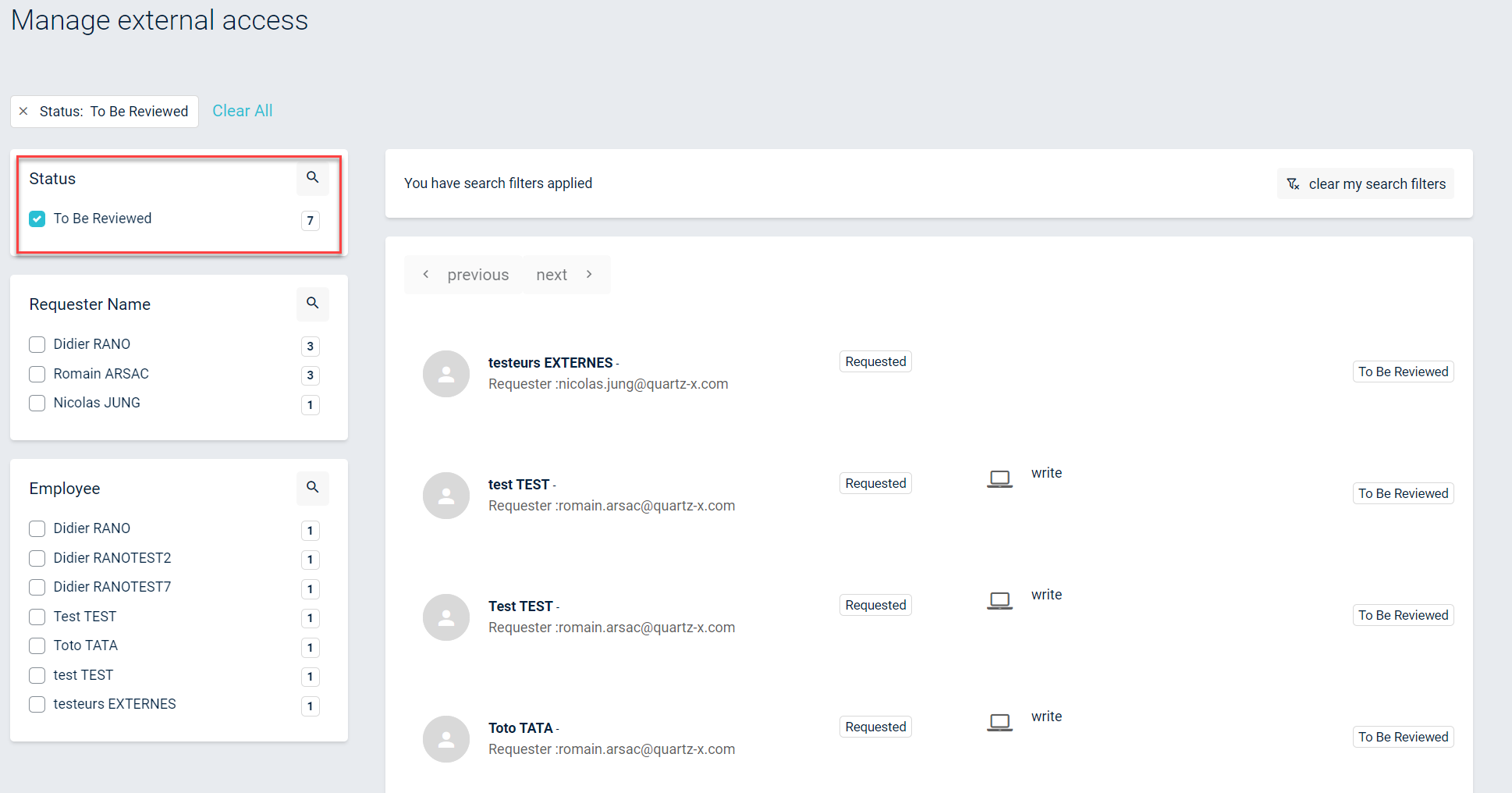
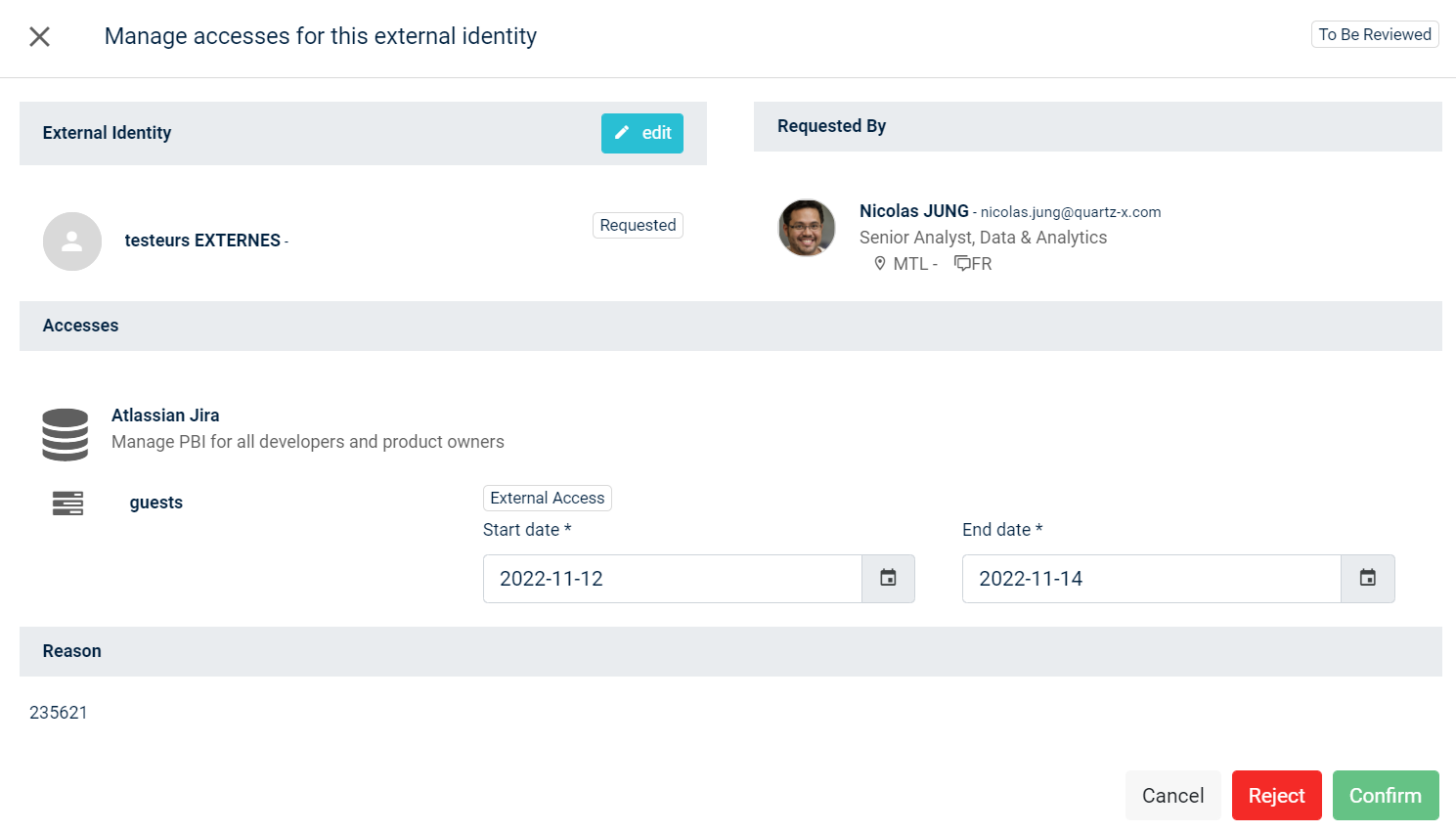
You can then click on an External Access and see its' details. You can then modify, reject or approve the External Access.
External Access approval
Approve or reject an extension on a External Access
In order to approve or reject a requested an extension on a External Access, click on the Manage External Access Module in the side menu. You should then see a list of all External Access as detailed above. You can then filter the list on the status "Pending Extension Approval".
Pending Extension Approval
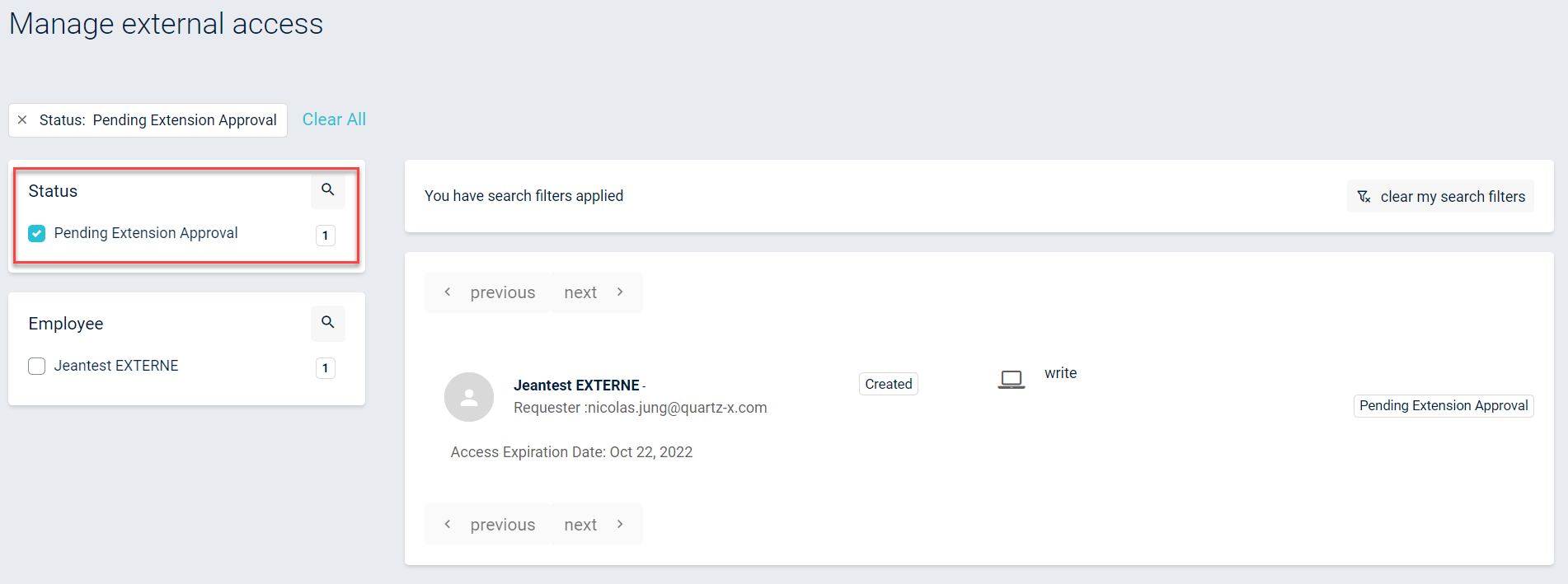
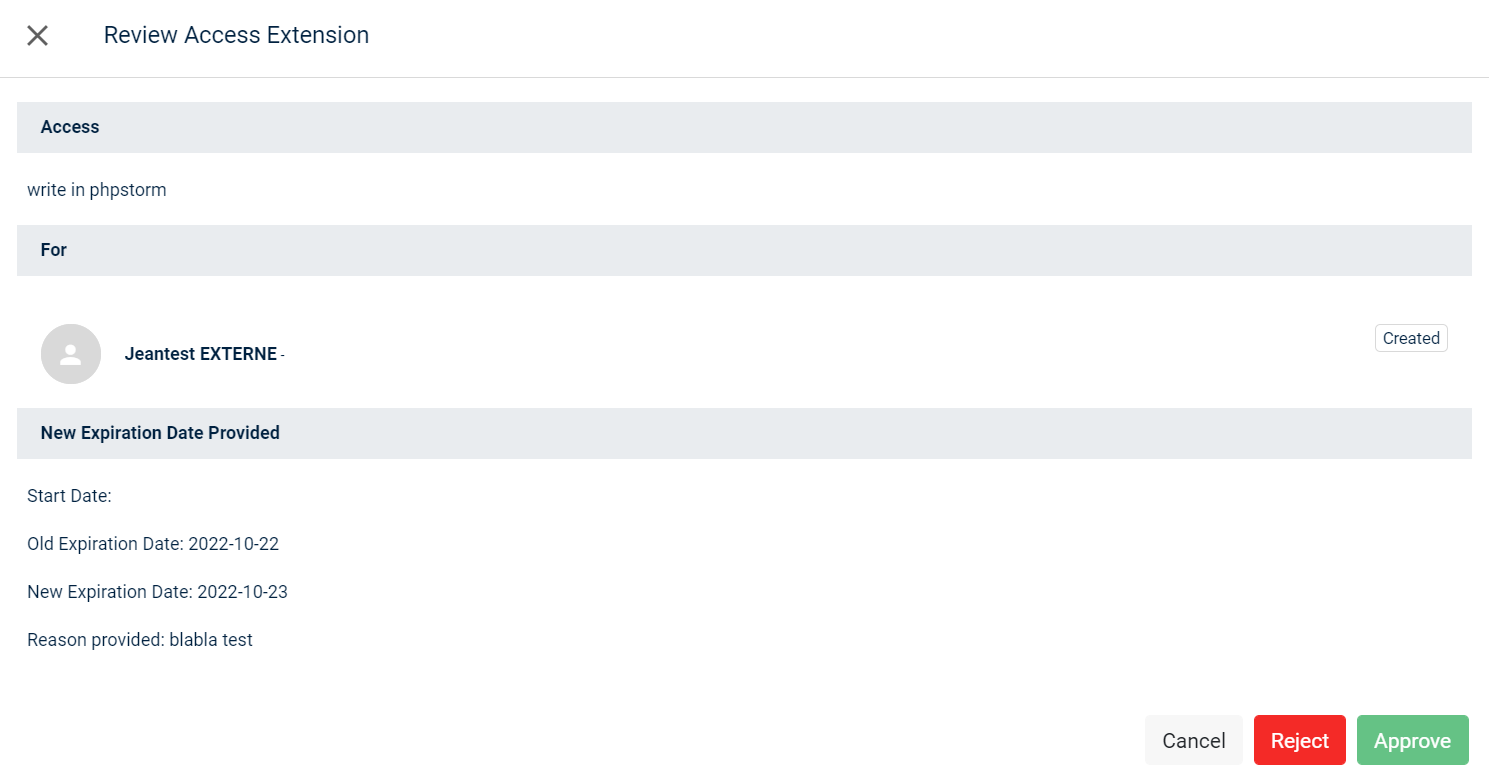
You can then click on an External Access and approve or reject the extension.
External Access extension