External Identities
The External Identities module allows you to view all External Identities that have been created in the application. You can also use this feature to see the accesses they have been granted.
This module requires users to have one of the following roles:
- Admin
- ITOperations
- BTG Access Management custodian
- External Identity Approver
- IT Service Desk
View all External Identites Create a new External Identity
View all External Identites
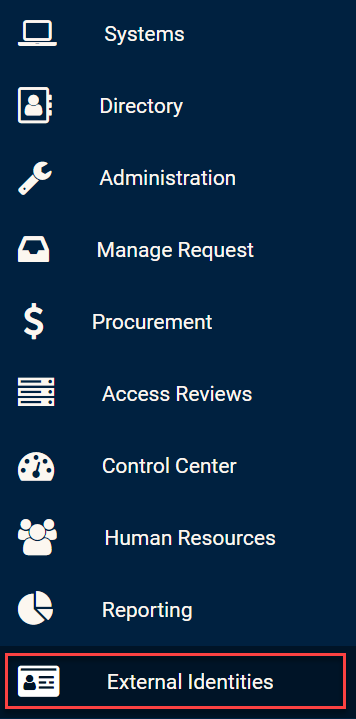
Click on the External Identities module in the side bar in order to view all External Identities.
External Identities module
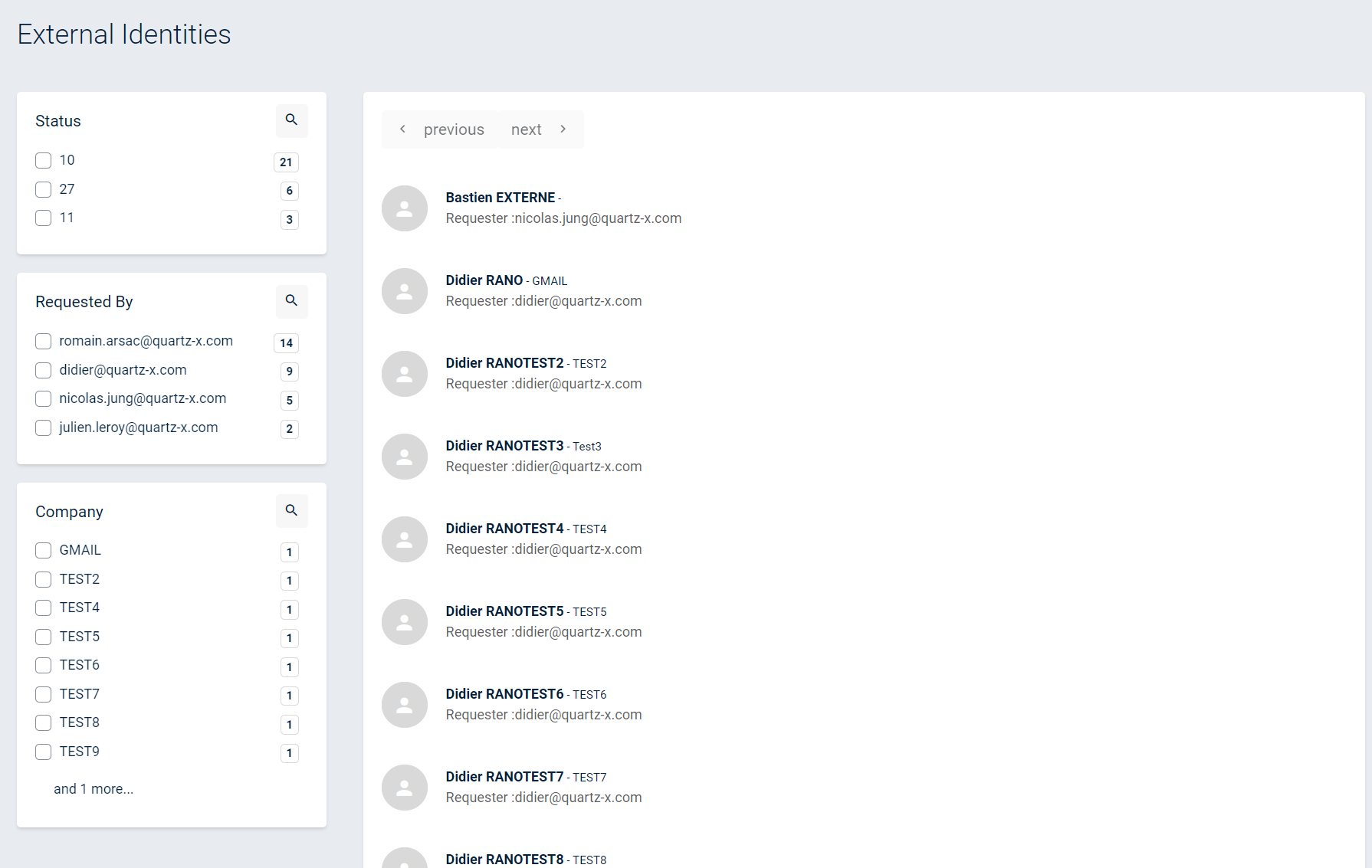
From this page, you should see a list of all External Identities that have been created or requested. You can filter the list using the filters on the left side of the screen.
External Identities list
In order to see the details and accesses of an External Identity, you can click on the External Identity that you want to view.
External Identity details
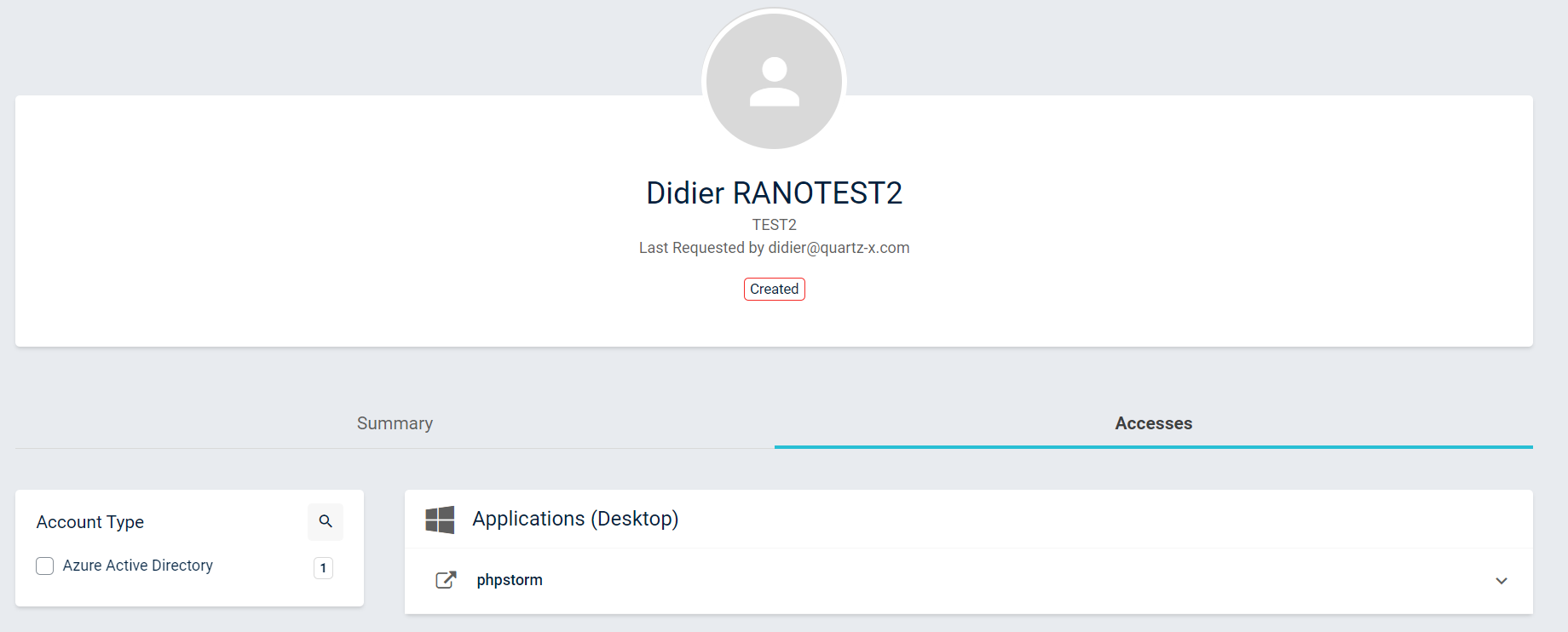
From this page, you should be able to see all of the information related to this external identity: name, user who requested the External Identity creation, events history, and accesses.
Create a new External Identity
External Identities are created when creating new access requests and selecting the recipients. In the recipients selection, you can click on create new External Identity if you have the required roles.
If you want more information on how to create External Identities and request accesses for these External Identities, you can go to this article.