Procurement
The Procurement module allows you to authorize access requests containing access that have been tagged as high licensing costs. This module is only available for users with the Procurement or Admin role.
Access requests containing an access with a high licensing cost has an additional step in the request workflow.
Assign an access request Authorize an access request
Assign an access request
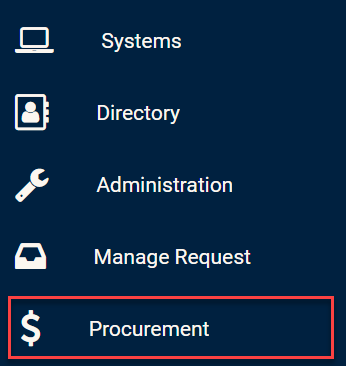
In order to authorize an access request, you must click on the Procurement module in the side bar.
Procurement module
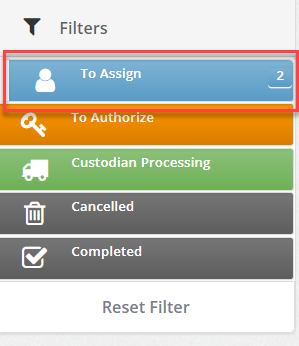
By clicking on the "To Assign" filter, you can see all access requests with a high licensing cost.
To Assign filter
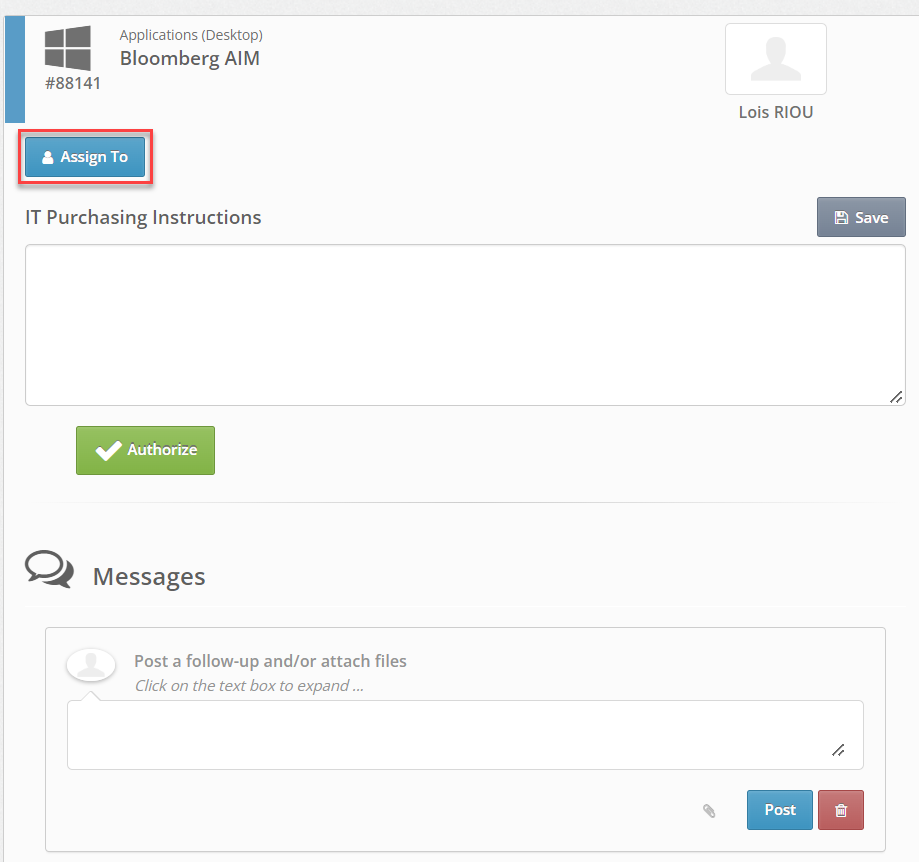
 On each access request, you can post comments if necessary.
You can now click the "Assign To" button to assign the request to another user with the Procurement role.
Assign request
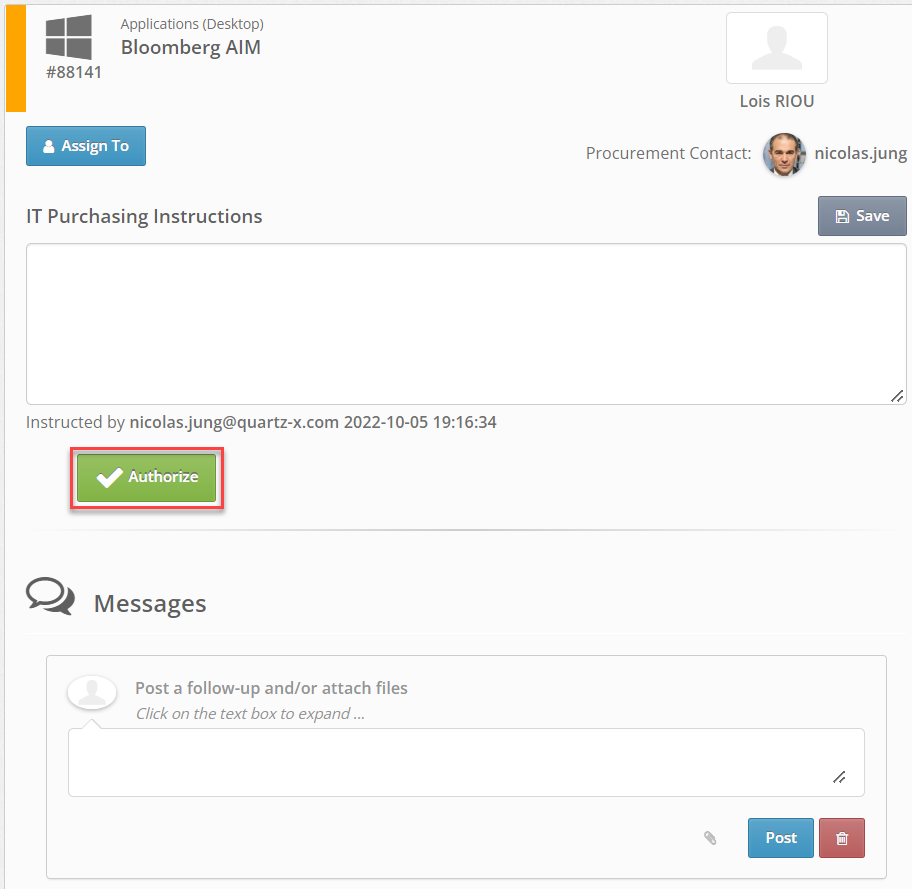
Alternatively, you can authorize the request right away by clicking the "Authorize" button.
Authorize an access request
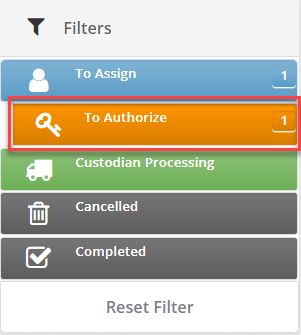
In the Procurement module in the side bar, click on the "To Authorize" filter. From this page, you should be able to access requests that are assigned to you.
To Authorize filter
You can review each access request by clicking on the card. You can input text and click on the "Authorize" button to authorize the access request.
Authorize request